
Creating a well-organized home office is essential for maintaining focus and improving productivity. Whether you work from home full-time or occasionally need a quiet spot to catch up on tasks, an orderly workspace helps reduce distractions and streamline your workflow. In this post, we’ll explore simple, practical tips to organize your home office that anyone can implement.
Why Organizing Your Home Office Matters
An organized office isn’t just about aesthetics. When your workspace is clutter-free and thoughtfully arranged, you spend less time searching for items and more time on meaningful work. A tidy area also reduces stress and fosters creativity, helping you stay motivated throughout your day.
Start with Decluttering
Before adding new storage or rearranging furniture, begin by clearing out unnecessary items.
Steps to Declutter Effectively
– Sort and Purge: Go through papers, office supplies, and electronics. Recycle or shred old documents you no longer need.
– Limit Personal Items: Keep sentimental or decorative items to a minimum to avoid distractions.
– Evaluate What You Use Daily: Store frequently used items within arm’s reach, and relocate less-used things to drawers or other rooms.
Optimize Your Desk Setup
Your desk is the heart of your home office, so arranging it properly is key.
Desk Organization Tips
– Keep It Minimal: A clean desktop with only essential items (computer, notepad, pen) helps maintain focus.
– Use Desk Organizers: Drawer dividers, pen holders, and document trays keep small items neat.
– Position for Comfort and Light: Place your desk near a window for natural light. Ensure your chair and monitor provide ergonomic support.
Create Smart Storage Solutions
Clutter often accumulates when there’s no proper storage. Make sure your office has enough storage options to keep things orderly.
Storage Ideas to Consider
– Shelving Units: Install wall shelves to hold books, binders, or decorative baskets.
– Filing Cabinets: Use them to organize paperwork and categorize by importance or subject.
– Multi-Functional Furniture: Desks with built-in storage or mobile carts help maximize space.
– Label Everything: Clear labeling makes it easier to find what you need quickly.
Manage Cables and Electronics
Cables and cords can quickly become tangled and messy.
Cable Management Tips
– Use Cable Clips or Ties: These keep cords bundled and off your desk.
– Conceal Power Strips: Mount or hide strips under the desk to reduce visual clutter.
– Wireless Devices: If possible, choose wireless keyboards, mice, and chargers to minimize cables.
Personalize Your Space Thoughtfully
While a clean setup is important, a little personal touch can boost motivation.
How to Add Personality Without Clutter
– Inspiring Artwork: Hang simple prints or motivational quotes.
– Plants: Small indoor plants can improve air quality and mood.
– Comfort Items: Consider a cozy blanket or a supportive cushion for your chair.
Establish Daily and Weekly Tidying Habits
Keeping your office organized is an ongoing effort.
Practical Habits to Maintain Order
– End-of-Day Clean-Up: Spend 5–10 minutes putting items back in place.
– Weekly Paper Review: Sort incoming papers and file, shred, or act on them.
– Regular Supply Checks: Replenish office supplies before they run out to avoid mess.
Use Technology to Stay Organized
Many tools can help keep you on track beyond physical tidying.
Helpful Apps and Features
– Task Management Apps: Use simple tools like Todoist or Trello to plan your work.
– Digital Notes: Apps like Evernote or OneNote reduce paper clutter.
– Calendar Reminders: Schedule times for organizing and cleaning your office space.
—
A well-organized home office doesn’t require a costly makeover. With these simple steps—decluttering, smart storage, ergonomics, and daily habits—you can create a productive space that helps you focus and feel in control. Start small, adjust as you go, and enjoy a more efficient and satisfying work-from-home experience.
Related Posts

Tips for Creating a Cozy and Inviting Reading Nook at Home
Creating a cozy and inviting reading nook at home is…
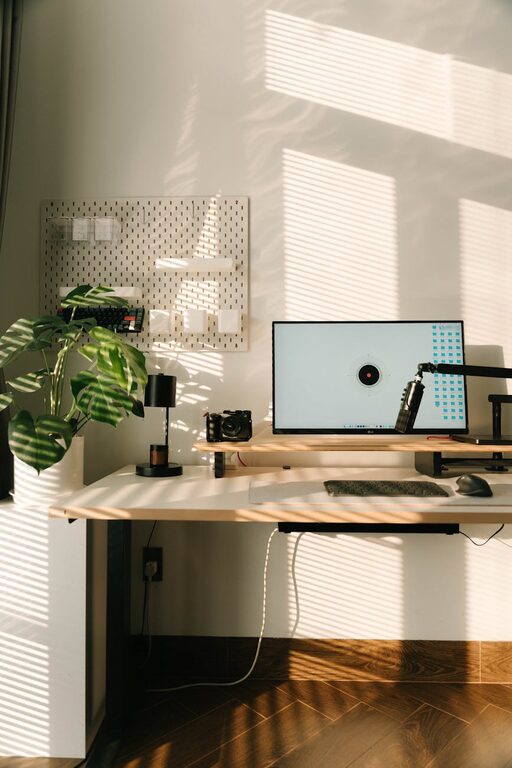
Tips for Creating a Relaxing Home Workspace to Boost Productivity and Well-Being
Creating a relaxing home workspace is essential for maintaining productivity…
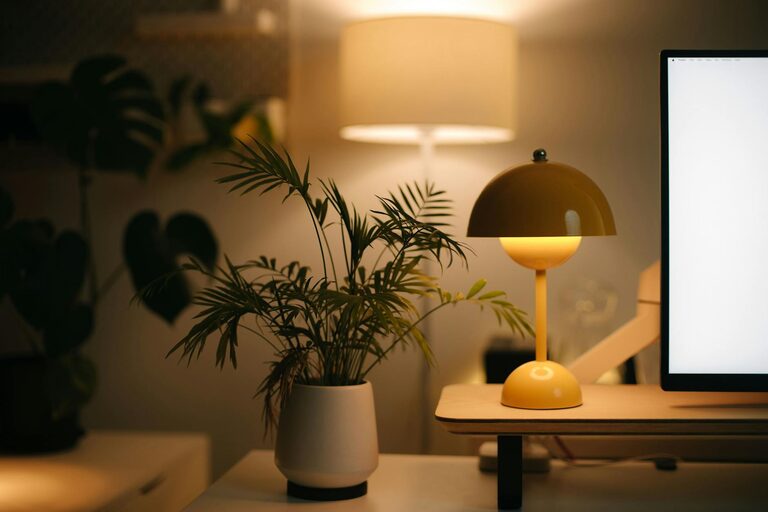
Tips for Creating a Cozy and Inviting Home Workspace
Creating a comfortable and inviting home workspace is essential in…