
Creating an organized and productive home workspace is essential for anyone working remotely or studying from home. A well-planned environment helps minimize distractions, improve focus, and maintain motivation throughout the day. Whether you have a dedicated room or just a small corner, these helpful tips will guide you to design a space that suits your needs and supports your work habits.
1. Choose the Right Location
Selecting the best spot for your workspace is the first step. Ideally, pick a quiet area away from heavy foot traffic or household noise.
– Near a window for natural light, which can boost mood and alertness.
– Close to power outlets to avoid unsightly and unsafe cable runs.
– Space that allows comfortable movement, with enough room for your desk and chair.
If space is limited, consider using room dividers or shelving to create a visual boundary, helping your brain switch into work mode.
2. Invest in Comfortable and Functional Furniture
Your comfort plays a big role in productivity. Choosing ergonomic furniture prevents fatigue and physical strain.
– Desk: Opt for a desk with enough surface area for your equipment and materials. Adjustable desks that allow sitting and standing are ideal.
– Chair: Invest in an ergonomic chair with good lumbar support, adjustable height, and comfortable padding.
– Storage: Use shelves, cabinets, or drawers to keep your workspace clutter-free.
3. Declutter and Organize Efficiently
Clutter can be distracting and counterproductive. Keep your workspace tidy by organizing supplies and documents effectively.
– Use organizers, trays, or bins for small items like pens, paperclips, and sticky notes.
– Prioritize digital organization by backing up files and clearing your desktop regularly.
– Keep only the essentials on your desk to maintain focus.
4. Optimize Lighting
Proper lighting reduces eye strain and keeps you alert.
– Natural light is best, so position your desk near windows if possible.
– Use adjustable desk lamps with warm or daylight bulbs to supplement light during darker hours.
– Avoid screen glare by placing your monitor perpendicular to windows.
5. Personalize Your Workspace
A personalized environment can increase comfort and motivation.
– Add plants to bring a touch of nature and improve air quality.
– Use colors that inspire you, such as calming blues or energizing yellows.
– Display photos, artwork, or motivational quotes that encourage positivity.
Balance personalization with simplicity to avoid creating distractions.
6. Manage Cables and Tech Setup
A tangled mess of cables can cause stress and limit mobility.
– Use cable organizers, clips, or sleeves to keep cords tidy.
– Position devices for easy access without overcrowding your desk.
– Consider wireless peripherals like keyboards and mice to reduce cable clutter.
7. Create a Routine and Dedicated Work Hours
Having consistent work hours and routines helps your mind associate the space with productivity.
– Start your day with a quick tidy-up to prepare the space.
– Schedule short breaks to stretch or refresh your mind.
– At the end of your work session, clear your desk to signal downtime.
8. Reduce Distractions
Identify and minimize distractions in your workspace.
– Use noise-canceling headphones or play instrumental music if background noise is an issue.
– Inform family or roommates about your work hours and need for focus.
– Use apps or tools that block social media during work periods if necessary.
9. Keep Essentials Within Reach
Organize frequently used items so they are easy to grab without interrupting your workflow.
– Place rulers, notebooks, or chargers in reachable spots.
– Use desk organizers or a small rolling cart for mobility and convenience.
– Digitize documents to reduce paper buildup.
10. Maintain Your Workspace Regularly
An organized workspace requires ongoing maintenance.
– Spend time weekly to declutter and reorganize as needed.
– Update your filing system or digital folders.
– Refresh your space with seasonal changes or new motivational elements.
—
By following these tips, you can create a home workspace that inspires productivity, comfort, and organization. Remember, the best workspace fits your unique habits and preferences, so don’t hesitate to adjust your setup until it feels just right. Happy working!
Related Posts
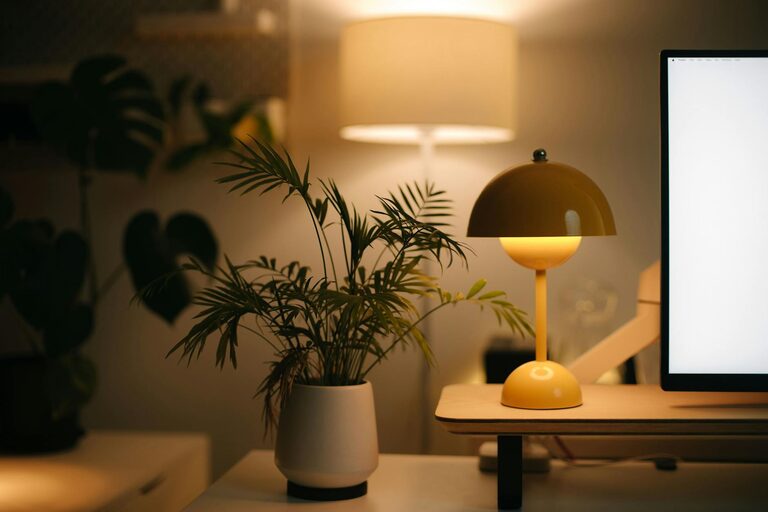
Tips for Creating a Cozy and Inviting Home Workspace
Creating a comfortable and inviting home workspace is essential in…
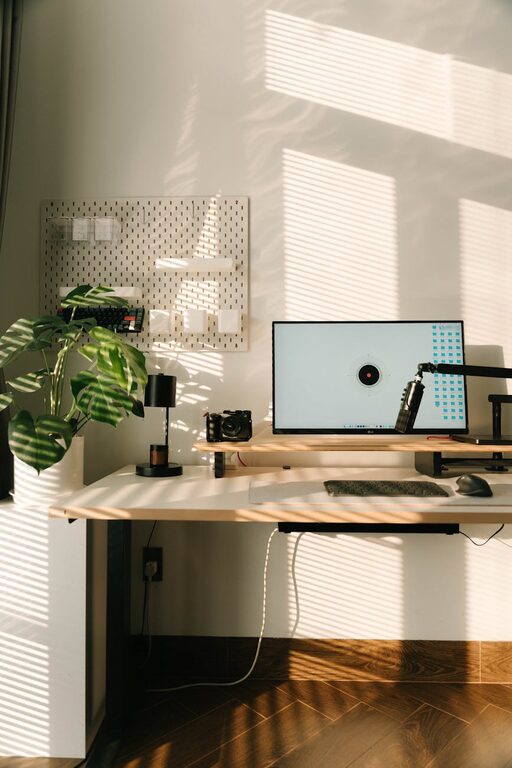
Tips for Creating a Relaxing Home Workspace to Boost Productivity and Well-Being
Creating a relaxing home workspace is essential for maintaining productivity…
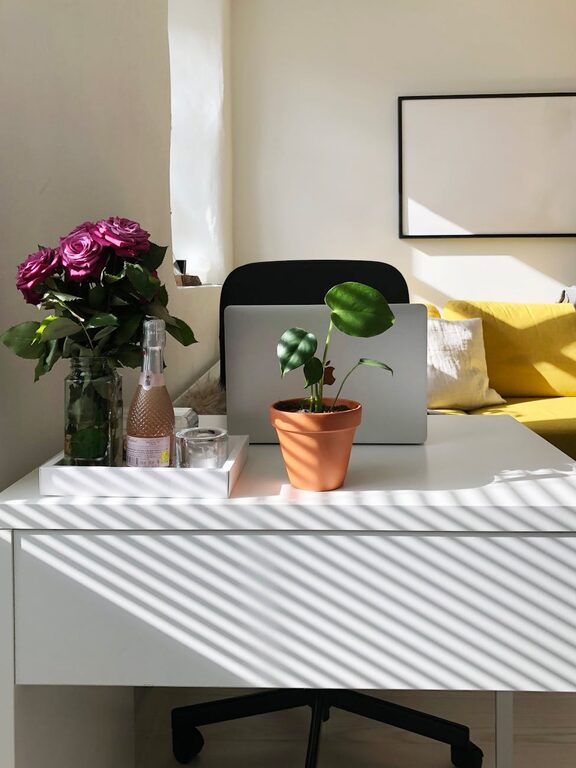
Tips for Creating a Cozy and Productive Home Workspace
Creating a cozy and productive home workspace is essential for…